 TimbySupport
Perfect timing
for every dish.
The kitchen timer that knows how long and how hot. A perfect egg, pasta that is still al dente, crispy potatoes from the air fryer, and everything on the table at the same moment.

For iPhone and iPad. Android: coming soon.
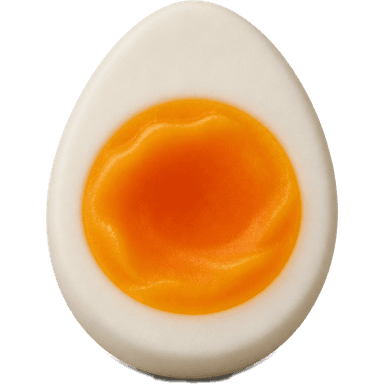

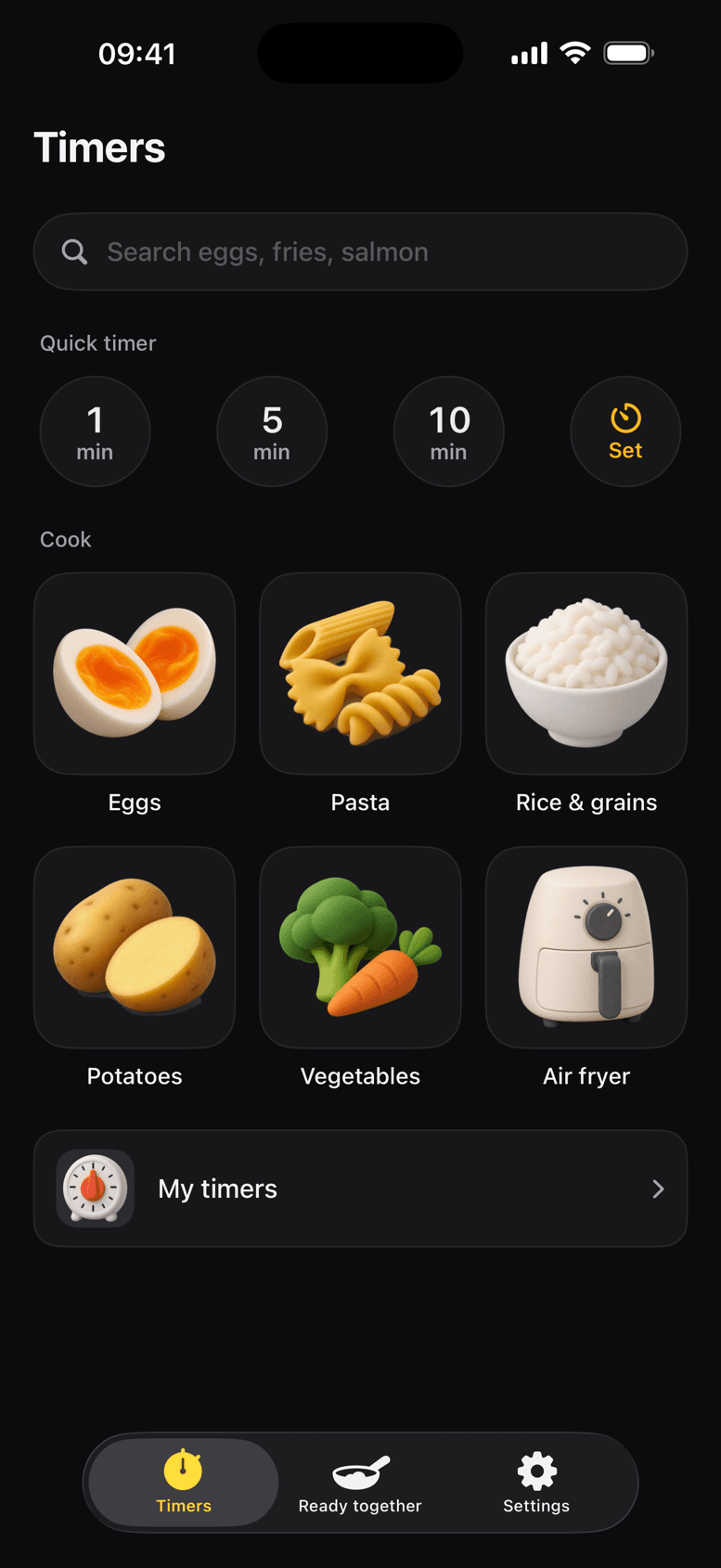
More than 140 presets, each with a picture
Eggs, pasta, rice, potatoes, vegetables and the air fryer. Pick what you are cooking and Timby does the rest.
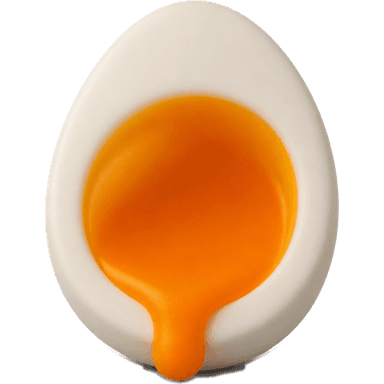 Soft eggs6:30
 Spaghetti9:00
 Fries15:00 · 400°F
 Basmati12:00
 Broccoli5:00
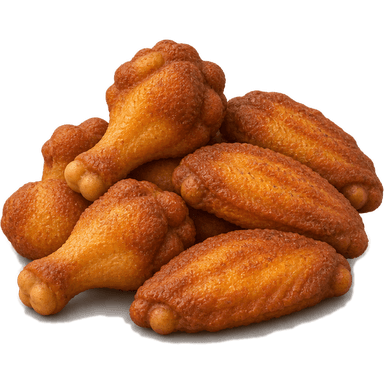 Chicken wings22:00 · 400°F
 Baby potatoes15:00
 Ramen noodles4:00
 Sweet potato fries14:00 · 375°F
 Steak10:00 · 400°F
More than a countdown
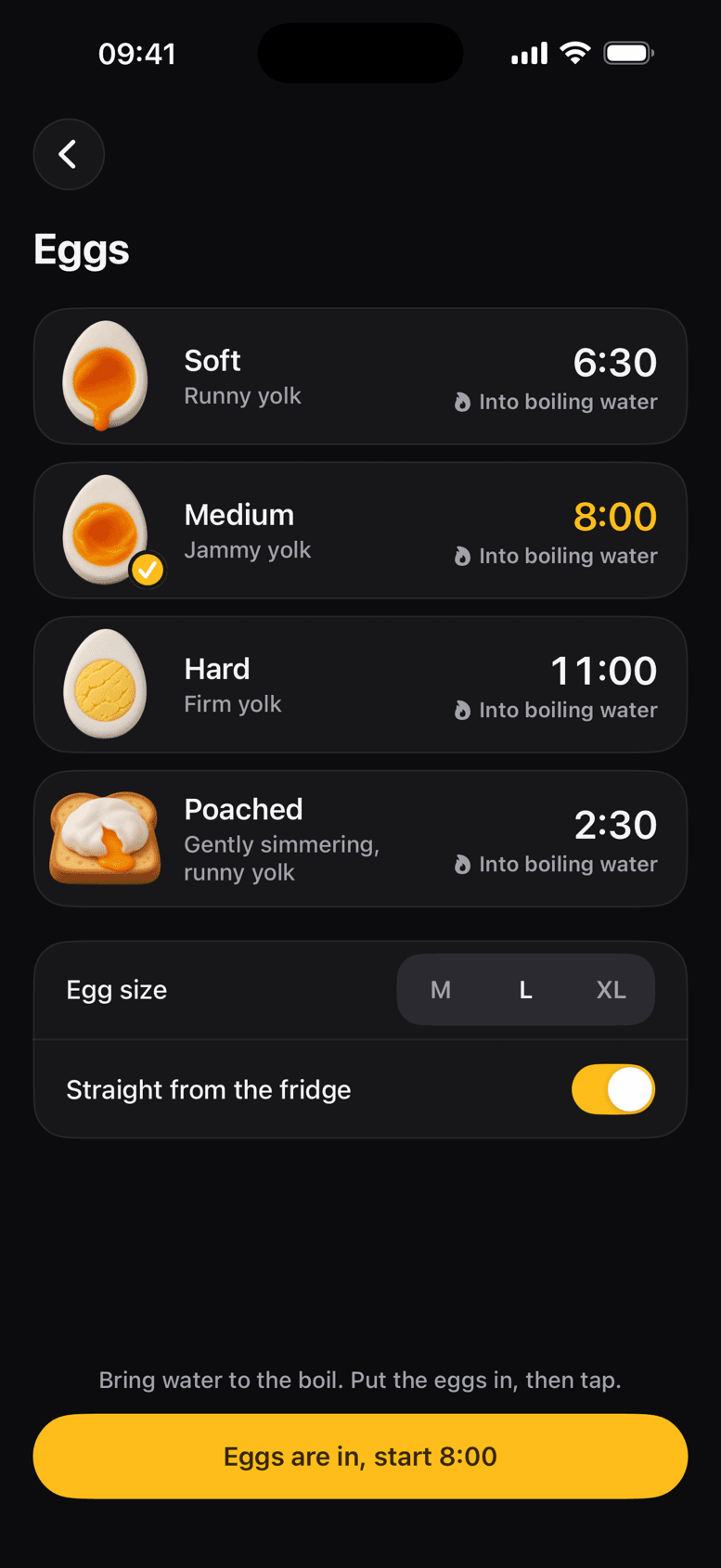
Eggs just the way you like them
Soft, medium or hard, for the size of your eggs and straight from the fridge or not. Put them in, tap, and the time counts from the right moment.
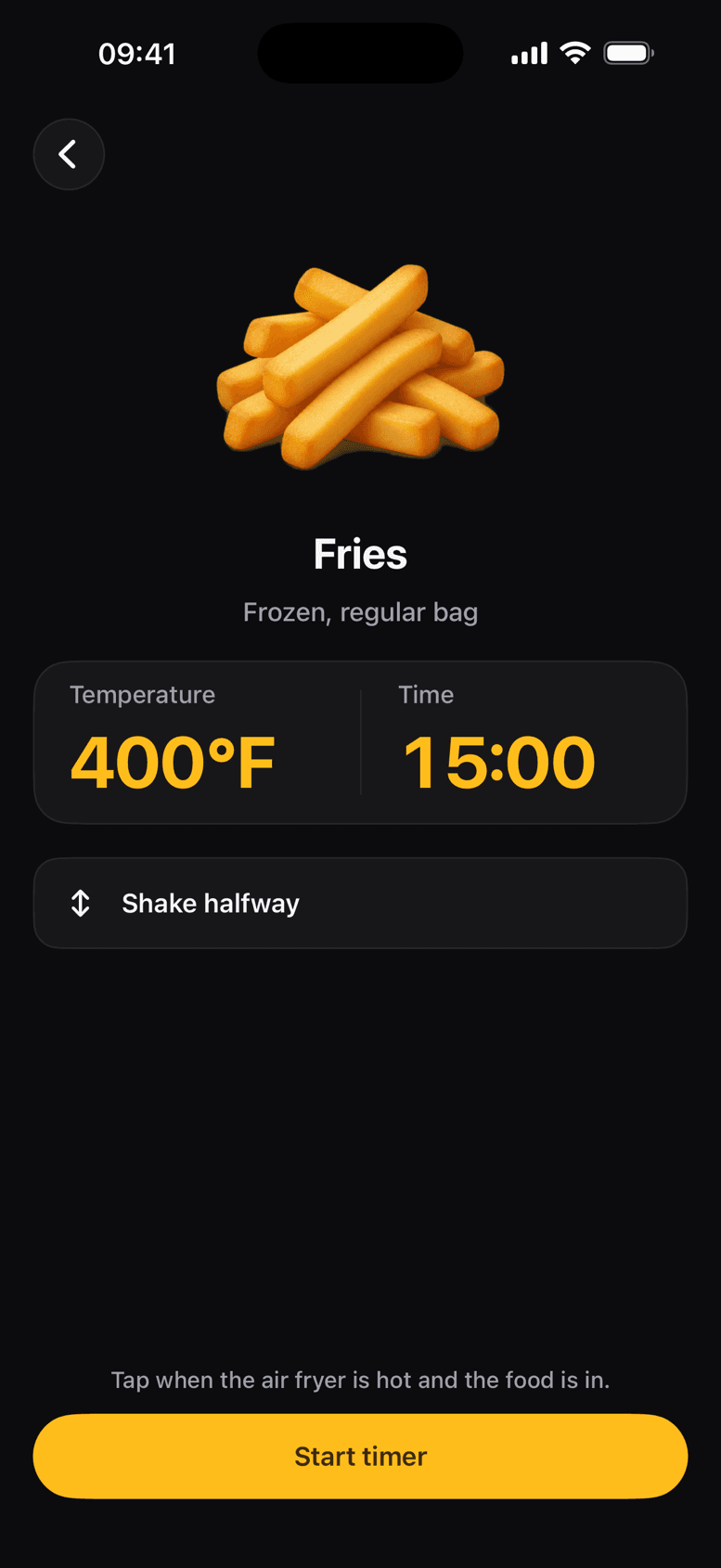
Air fryer: how hot, how long
Every air fryer preset tells you the temperature and the time to set. Halfway, Timby reminds you to shake or turn, for an even, crispy result.
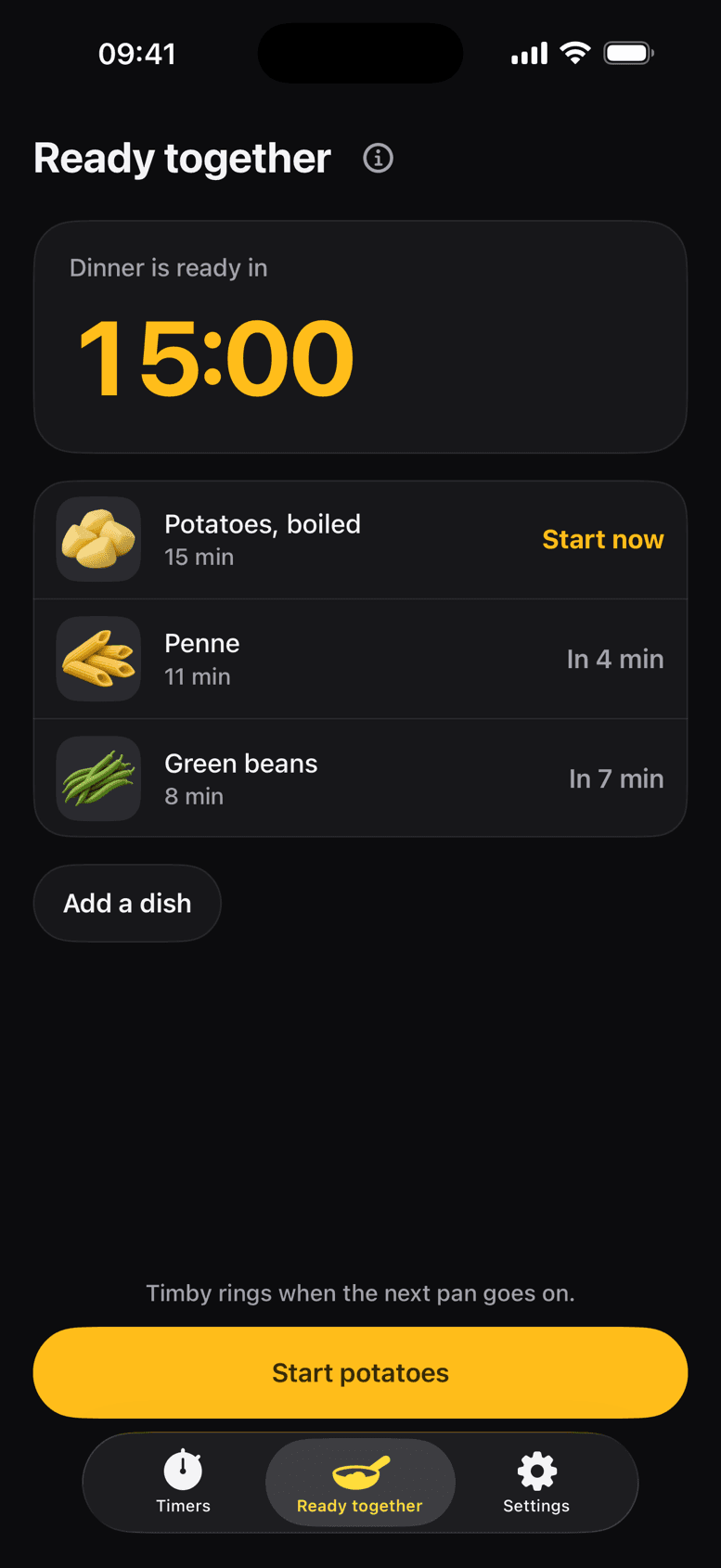
Everything ready together
Cooking more than one thing? Ready together tells you when each pan goes on, so everything is done at the same moment.
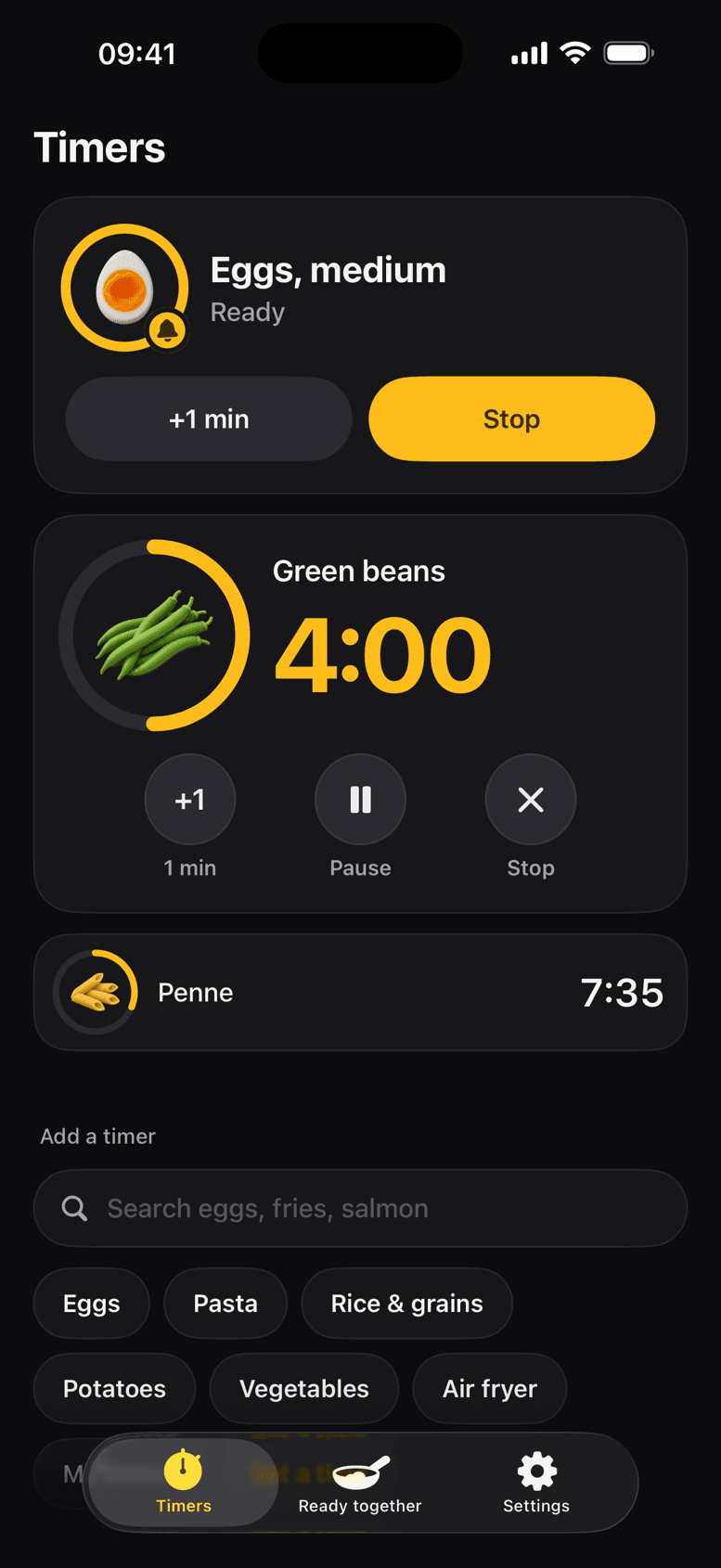
An alarm that rings on silent
Timby rings even when your phone is on silent or in a Focus, and shows which timer is done. Follow the countdown on the Lock Screen and in the Dynamic Island.
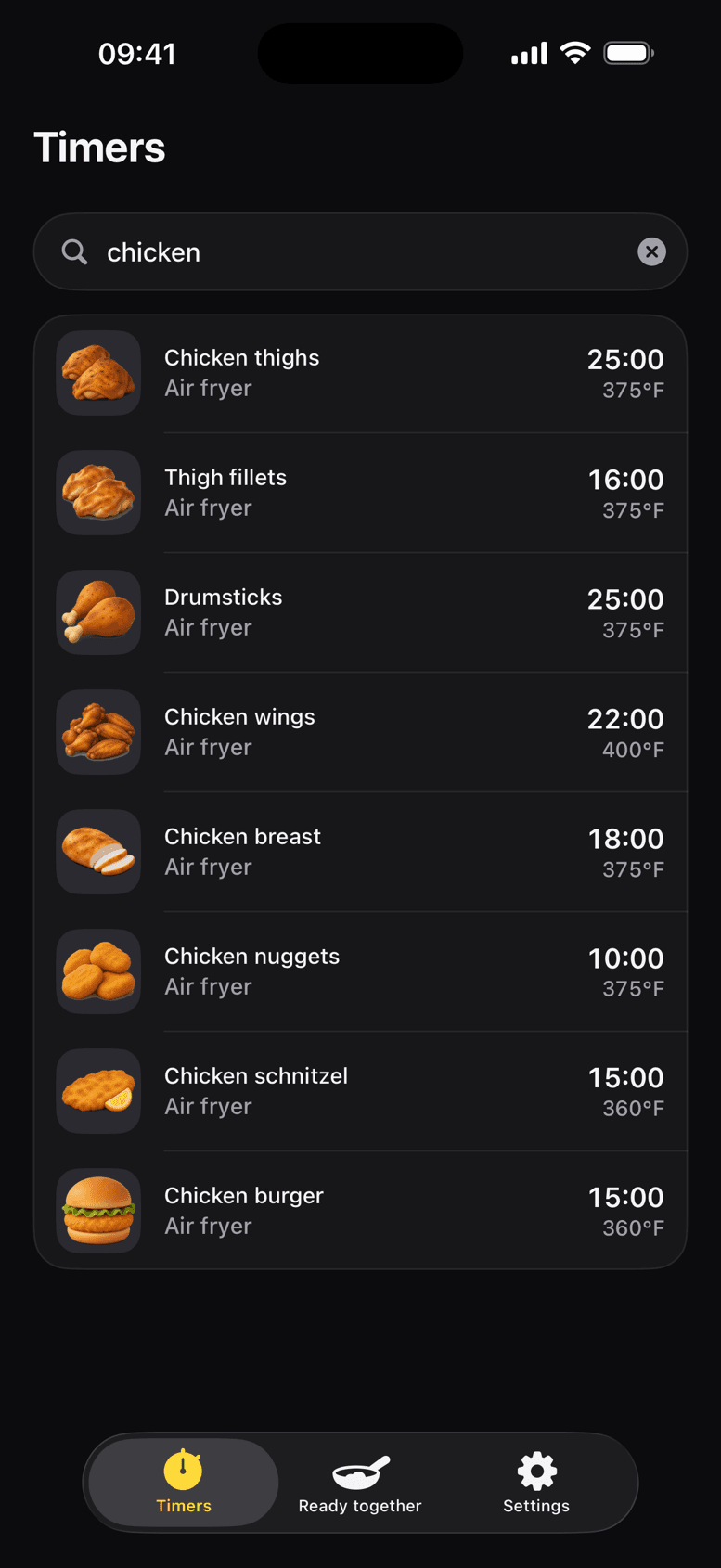
Find any dish in a second
Search every preset at once. Each comes with its own picture, its time and, in the air fryer, its temperature.
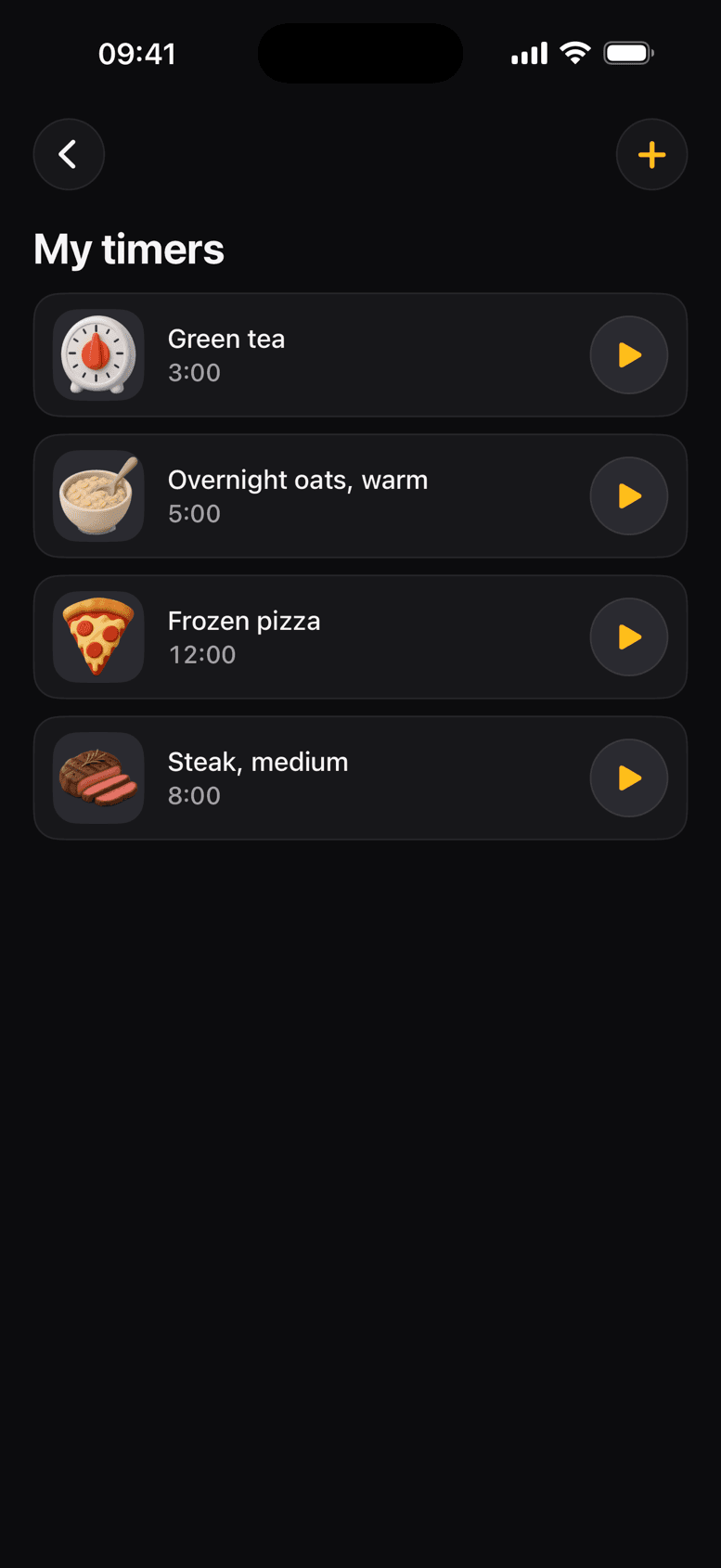
Your own timers
Save timers for the dishes you make every week, with a name and a picture, and start them with one tap.
Pay once. Keep it.
Timby is a free download and your first 10 timers are free. After that, one purchase unlocks Timby for good.
- No subscription
- No account and no ads
- Family Sharing included: one purchase covers the whole family
Made for a busy kitchen
The small things that help when your hands are full.
- Several timers at once
- Each with its own name, the soonest on top. Or set the minutes on the quick timer and start.
- Kitchen mode
- Keeps the screen on while you cook.
- Siri, widgets and Control Center
- Start a timer without opening the app.
- °F or °C
- Timby follows your iPhone, or you choose in Settings.
- Works offline
- Your timers stay on your device. No account, no tracking.
Alarm not ringing?
Timby asks to allow alarms the first time you start a timer. Said no? Turn alarms on for Timby in the iPhone Settings app, and it rings even on silent.
Support and common questions