 MoteySupport
Your phone is the TV remote.
Open Motey, pick your TV from the list and you are in control within seconds. It works over your home Wi-Fi, without an account.
Coming soon to the App StoreFor iPhone and iPad. Android: coming soon.
More than the remote you lost
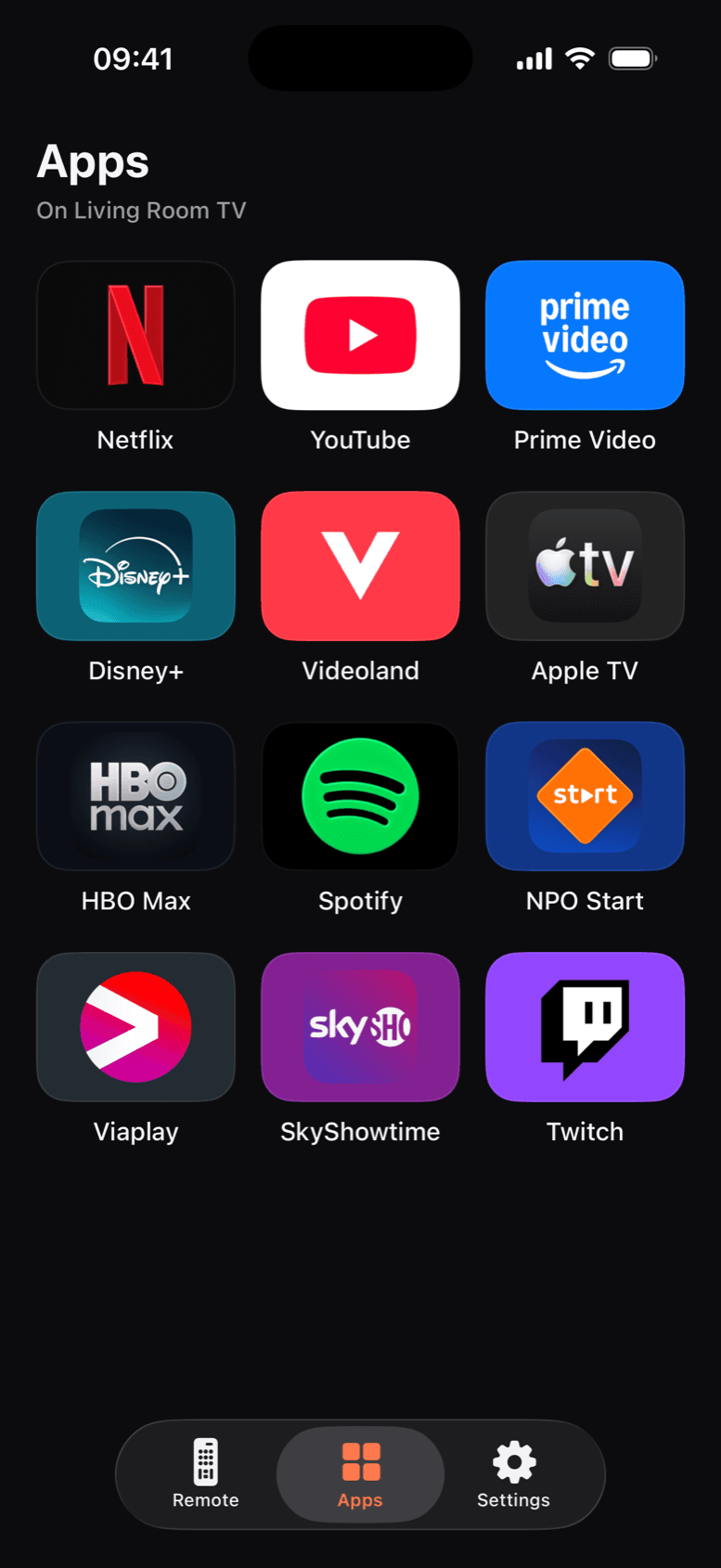
Open apps from your phone
Your TV's apps as big tiles. Tap one and it opens, on many TVs even while the TV is still off.
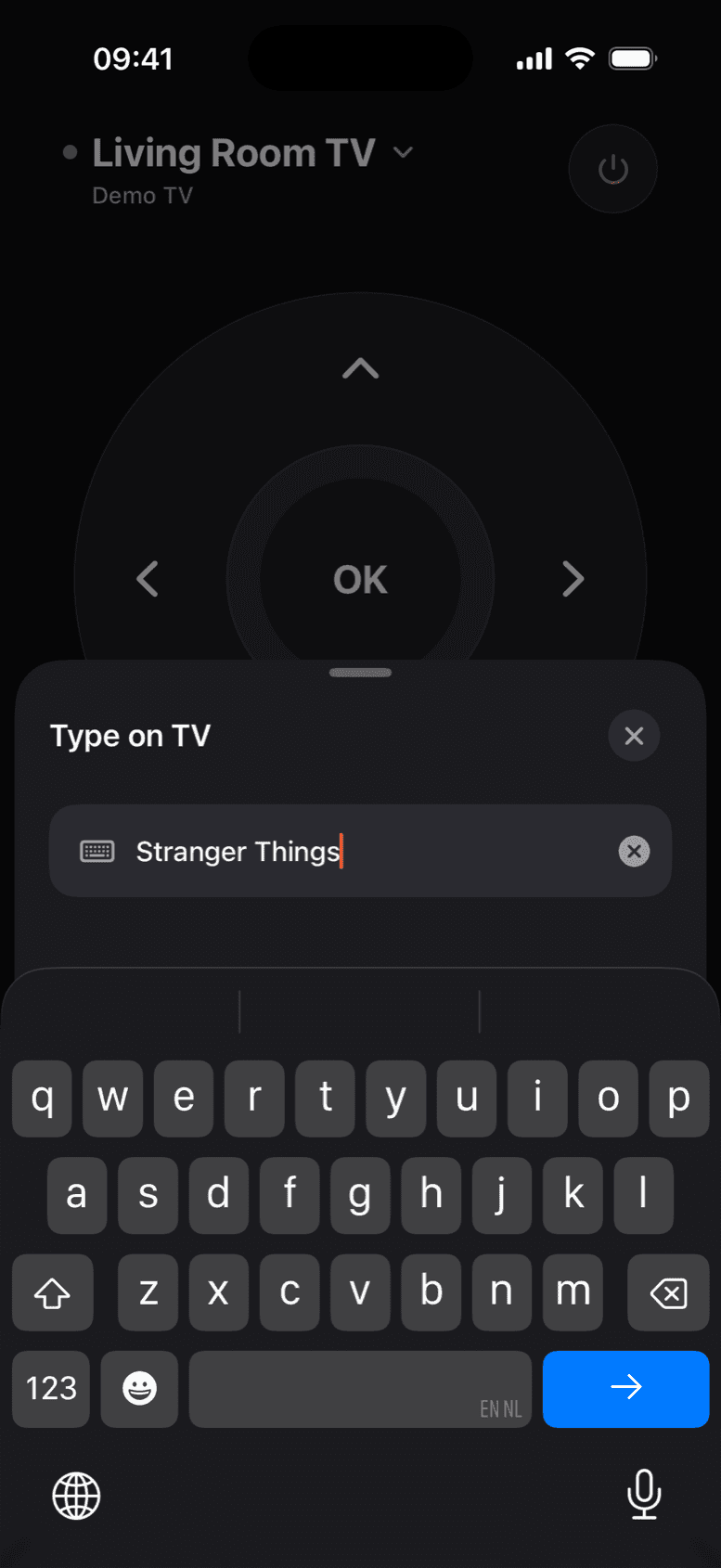
Type with your own keyboard
Searches and passwords in seconds, instead of picking letters one by one with the arrows.
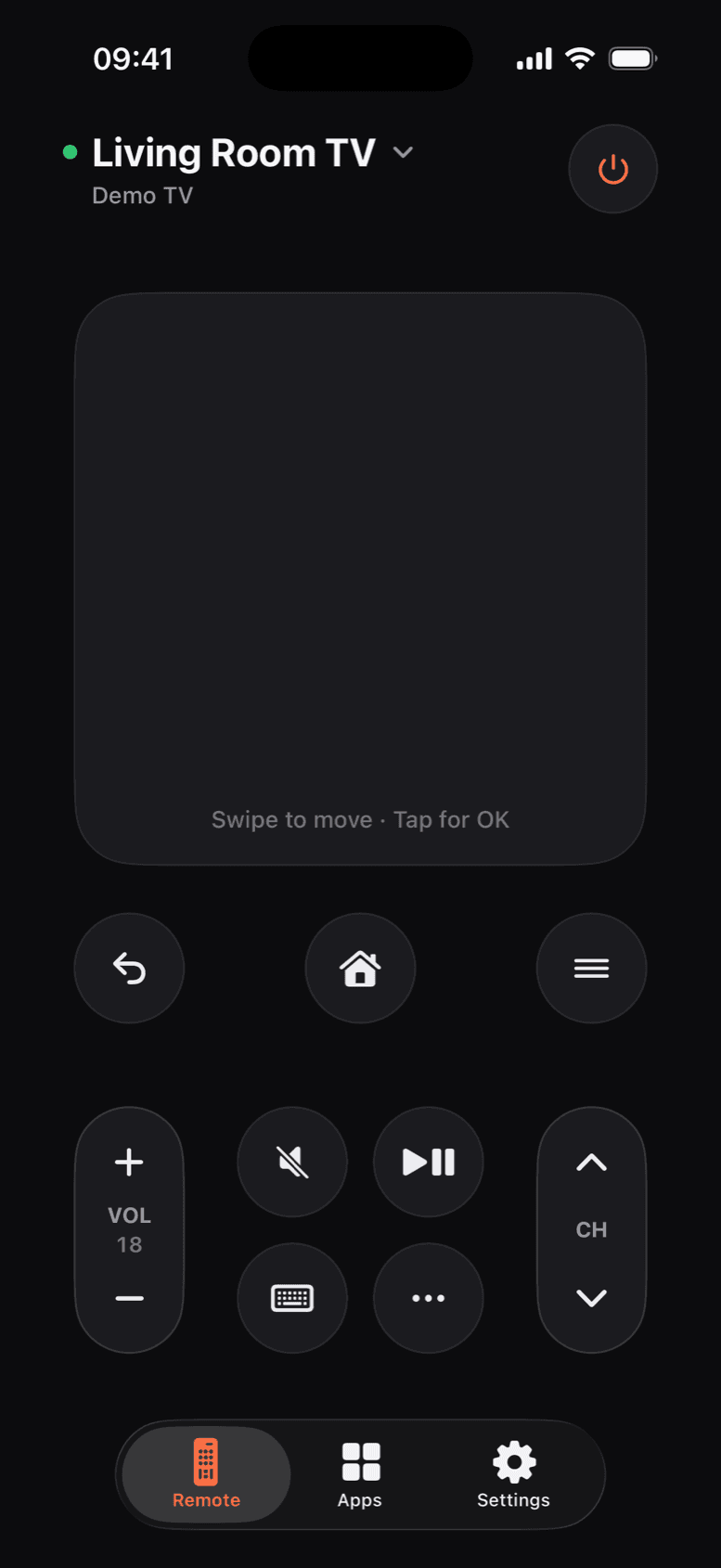
Arrows or a touchpad
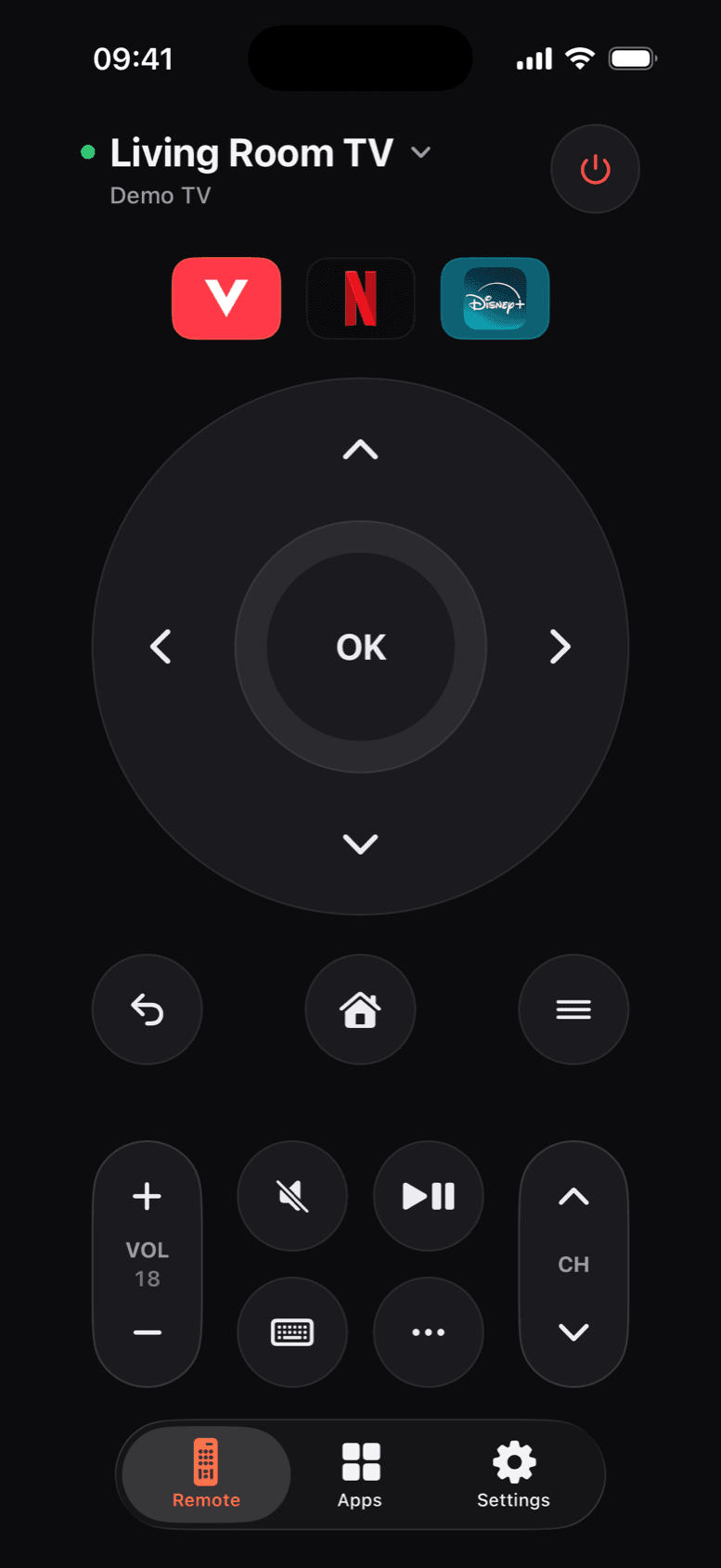
Tap the arrow ring or swipe through menus. Every press gives a tap you can feel, so your eyes stay on the TV.
Pay once. Keep it.
Most TV remote apps charge every week. Motey is one purchase: your first 40 button presses are free, and after that you unlock everything for good.
- No subscription
- No account and no ads
- Family Sharing included
Works with the TV you have
Your phone or tablet and your TV need to be on the same Wi-Fi. Motey does not use infrared, so it cannot control older TVs that are not smart TVs.
Not supported: Vizio, Panasonic (except Fire TV models) and Hisense TVs that run VIDAA.
- Samsung
- Smart TVs from 2016 and later
- LG
- Smart TVs with webOS
- Roku
- Roku TVs and players, including TCL, Hisense, Sharp and onn models with Roku built in
- Android TV and Google TV
- Sony, Philips, TCL, Xiaomi, Chromecast with Google TV, Nvidia Shield and more
- Fire TV
- Fire TV Stick, Fire TV Cube and TVs with Fire TV built in
- Apple TV
- Apple TV 4K and Apple TV HD
Lost the remote?
Roku works straight away. Android TV, Google TV, Fire TV and Apple TV show a code that you type on your phone. Samsung and LG ask once, on the TV, whether Motey may connect.
How to connect, step by stepMotey is not affiliated with Samsung, LG, Roku, Google, Amazon, Apple or any other TV maker. App logos in the screenshots belong to their owners.